
How to Add Fund to your Global Account
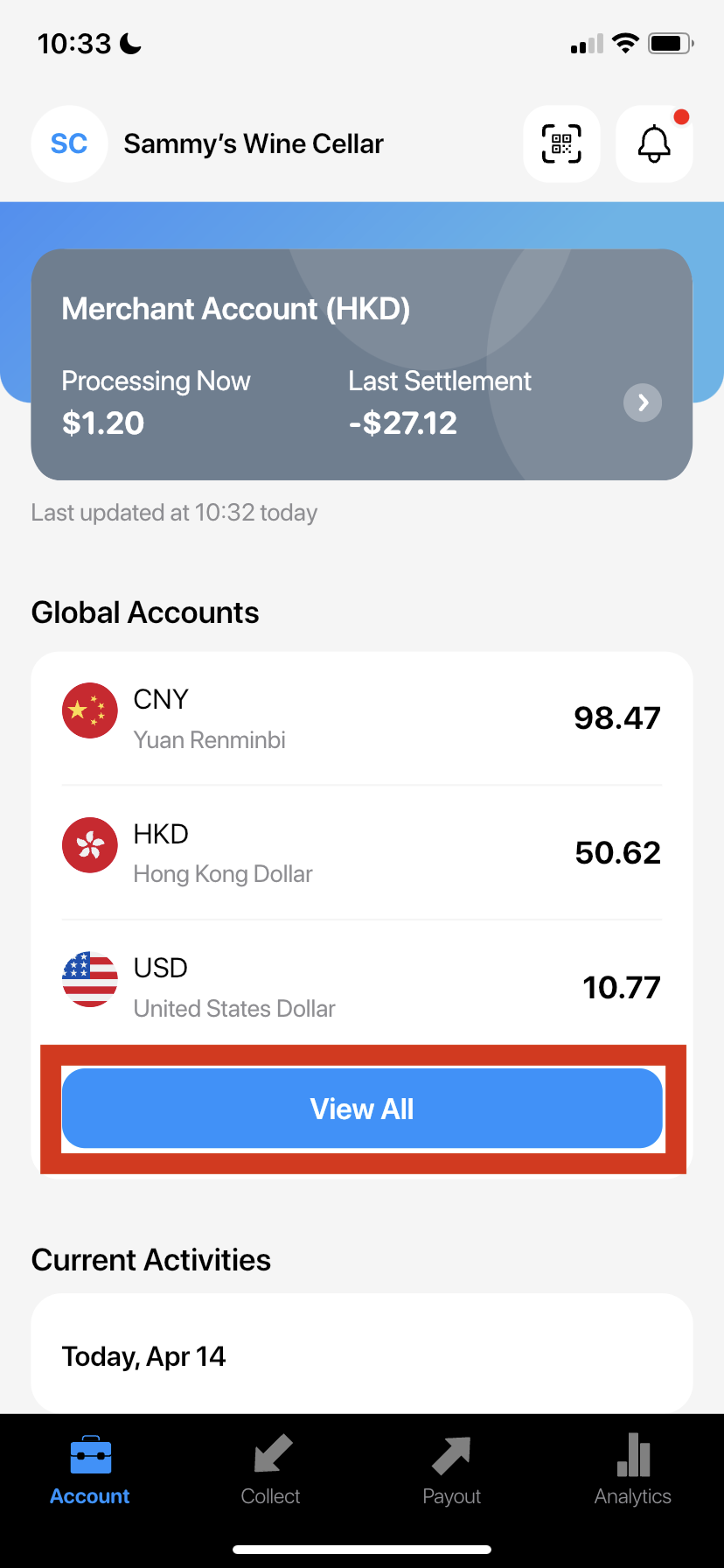
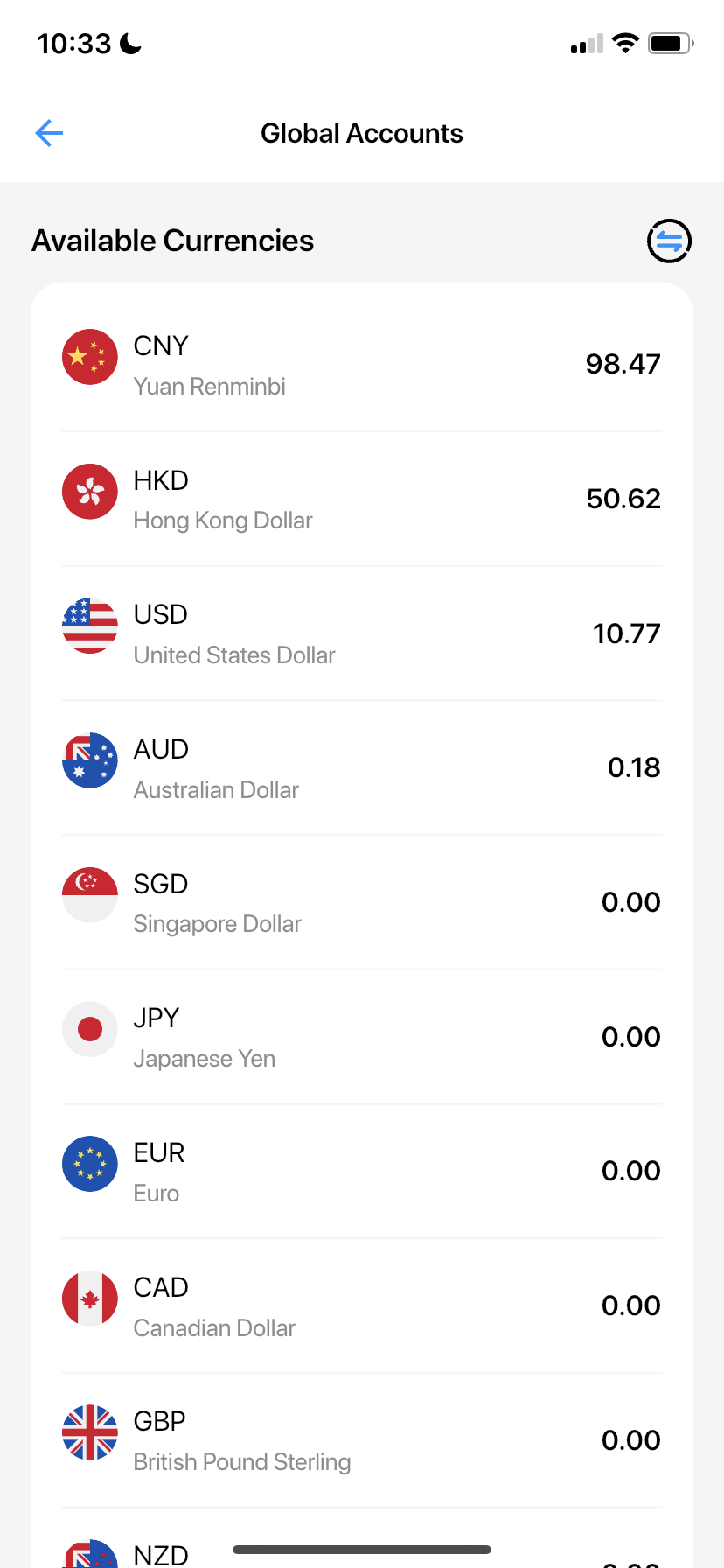
- Select an account
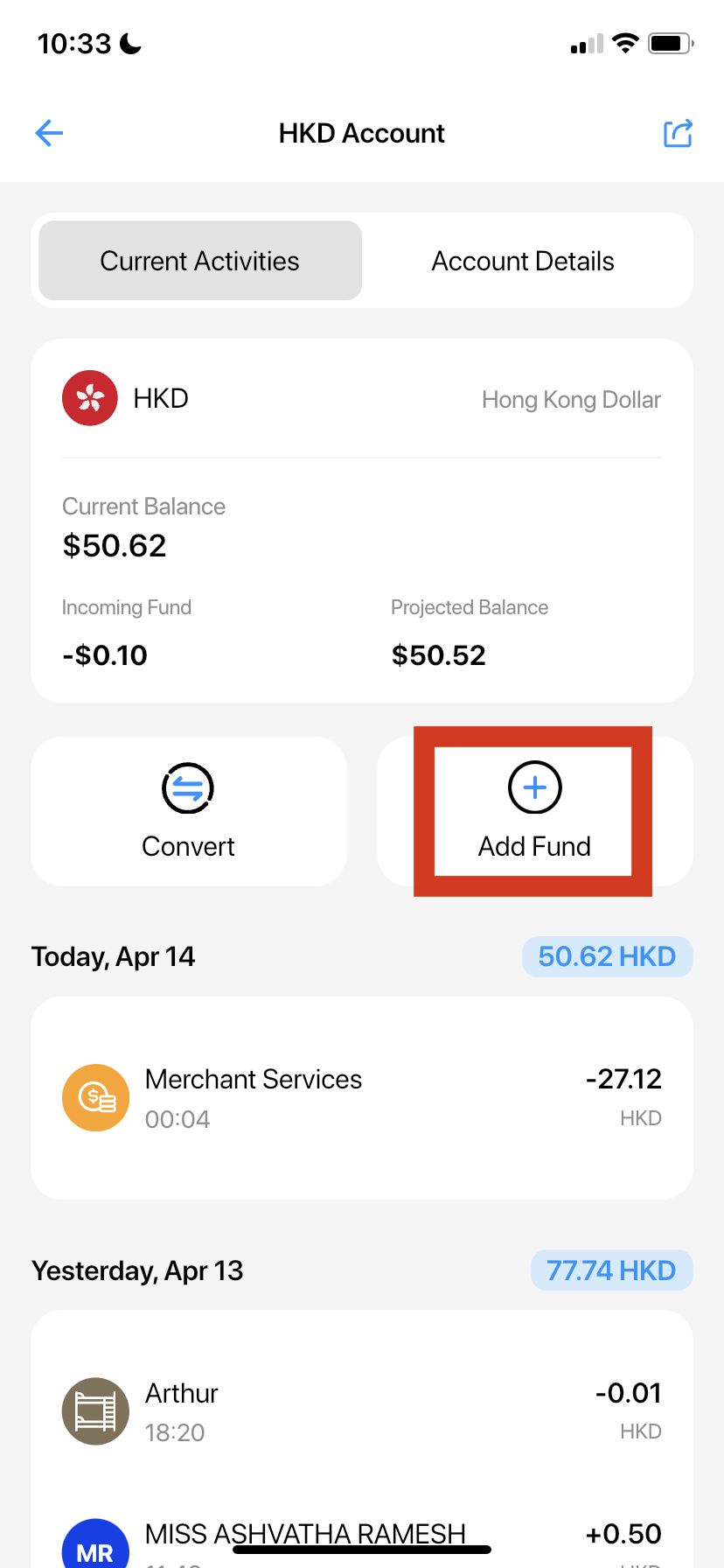
- Select "Add Fund"
- Choose the preferred method from the displayed options.
Did this answer your question?
If you still need help, our merchant support team is one message away.
Chat on WhatsAppDid this answer your question?
If you still need help, our merchant support team is one message away.
Chat on WhatsApp