
How to Accept Payment Via Virtual Terminal for Taxi Drivers on Wonder App
Accept Payment through Virtual TerminalWonder Mobile App 1 min read Created August 14, 2026 Updated September 30, 2026
How to Accept Payment Via Virtual Terminal for Taxi Drivers on Wonder App
- As a Hong Kong taxi driver, you need to use the Wonder App to scan the taxi meter. To activate the Virtual Terminal on Payment Acceptance, you must log in to the M1OS taxi meter successfully in prior.
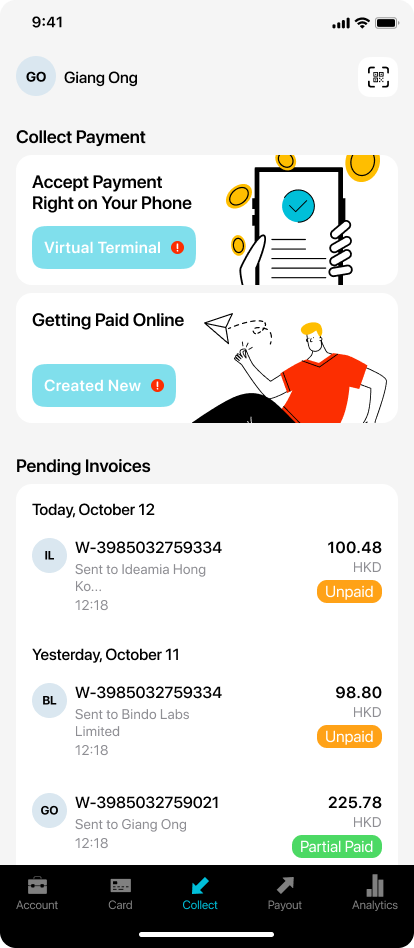
- Once you successfully login with the M1OS taxi meter, coming back to Wonder app, you will beable to see the "Virtual Terminal" button is enabled.
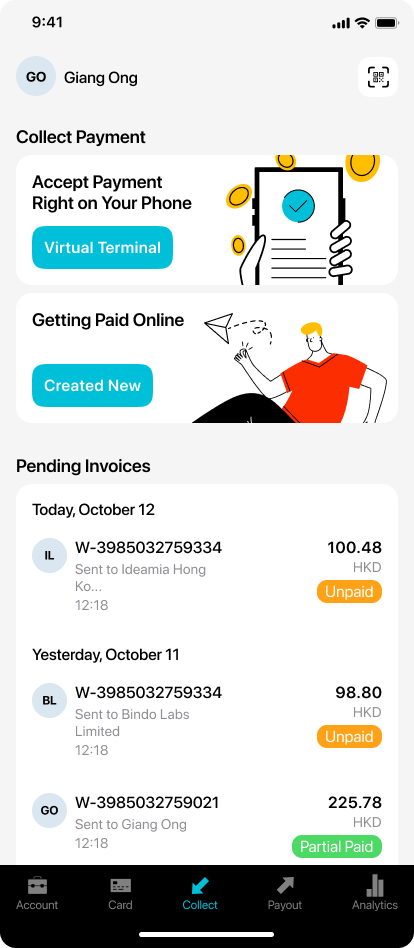
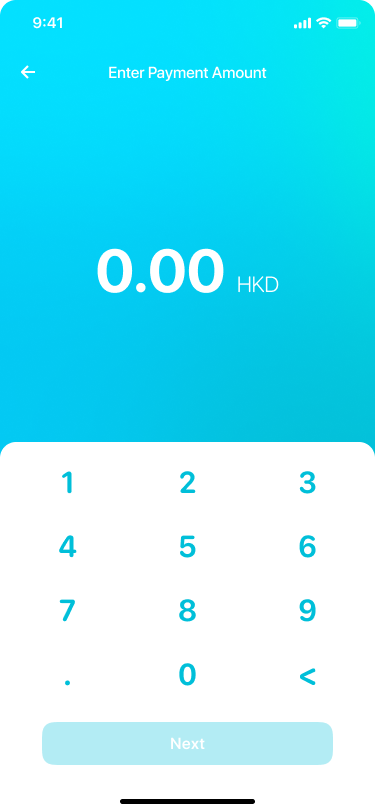
- Click the button and enter payment amount.
- Go to the Choose Payment Method page. Select one of the supported payment methods on this page to finalize the payment.
.png)
- To check on your transaction details, simply go to [Latest Transactions] in [Collect] module to view.
Did this answer your question?
If you still need help, our merchant support team is one message away.
Chat on WhatsApp