
View Transactions
Accept Payment with Wonder Smart POSWonder mPOS 1 min read Created January 9, 2024 Updated September 30, 2026
View Transaction
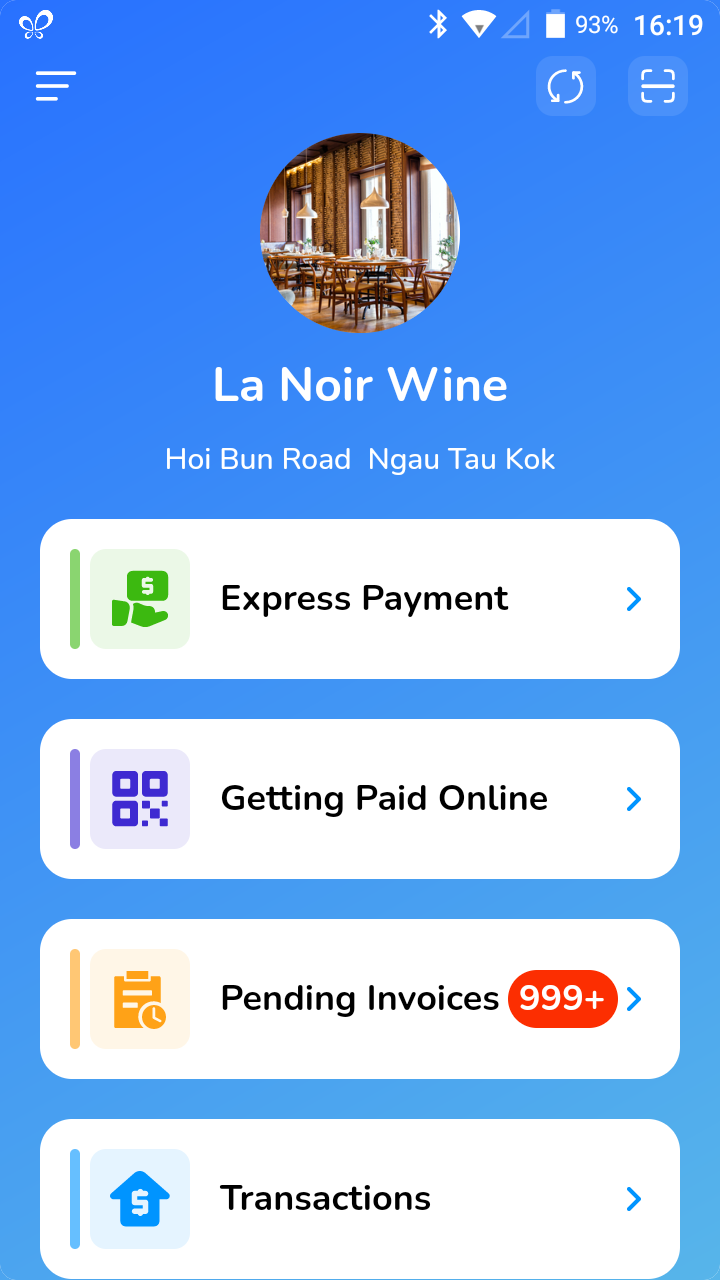
- Click on [Transactions].
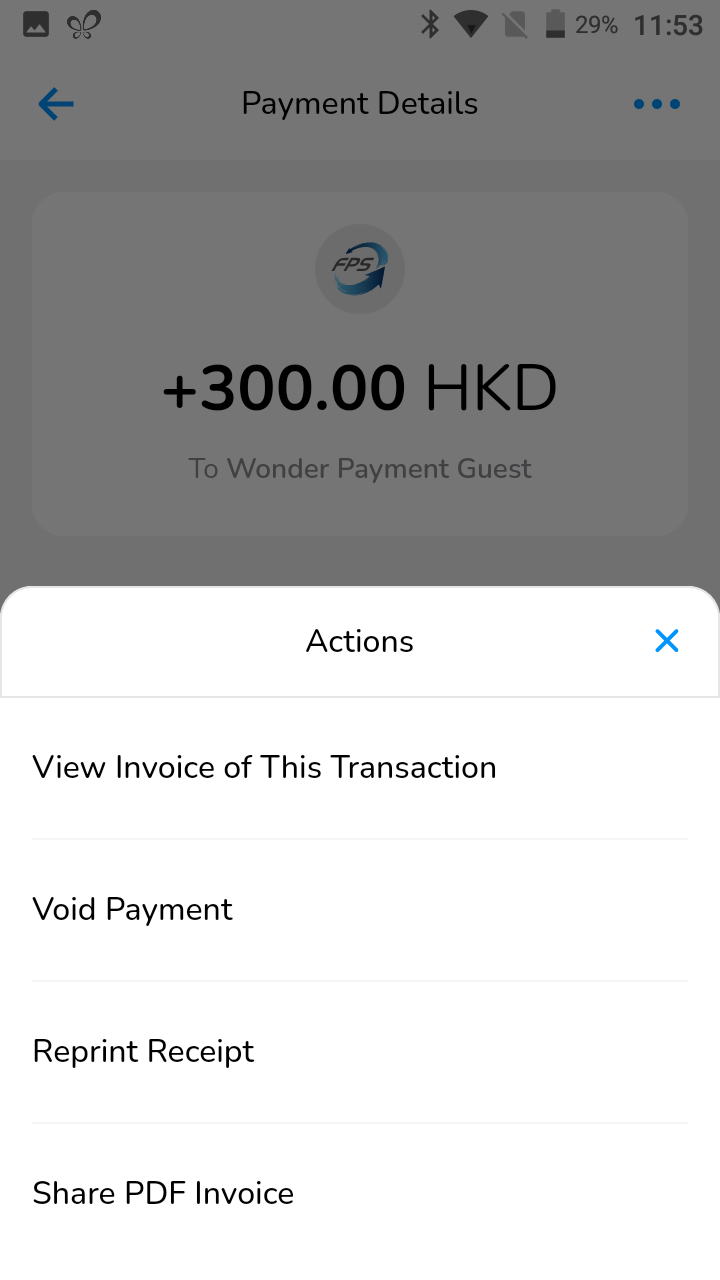
- Click on a transaction you would like to view. By clicking on the three dots you will be able to reprint the receipt as well as share the PDF invoice.
- You will also be able to void and refund the payments. Please read the article on Void & Refund Payments to know more.
View Invoice of the Transaction
- Click on a transaction you would like to view.
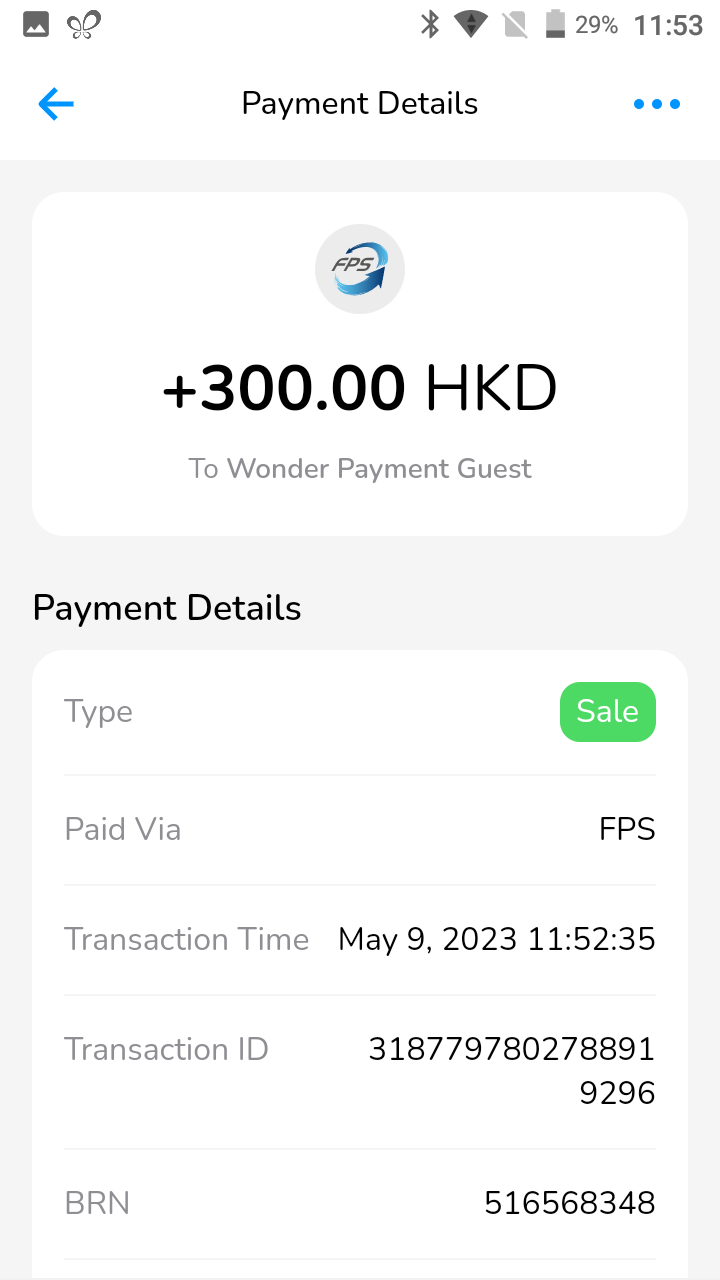
- Click on the three dots, click on [View Invoice of This Transaction].
- Here you will be able to view the invoice of the particular transaction.
Did this answer your question?
If you still need help, our merchant support team is one message away.
Chat on WhatsApp