
How to Enable or Disable Push Notification on Wonder App
How to Turn On or Turn Off Push Notifications on Wonder App
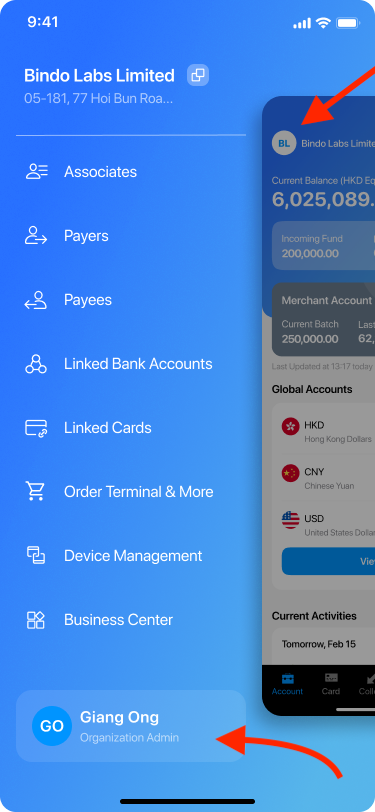
- Go to Sidebar by clicking the icon on the Account page and click your account name.
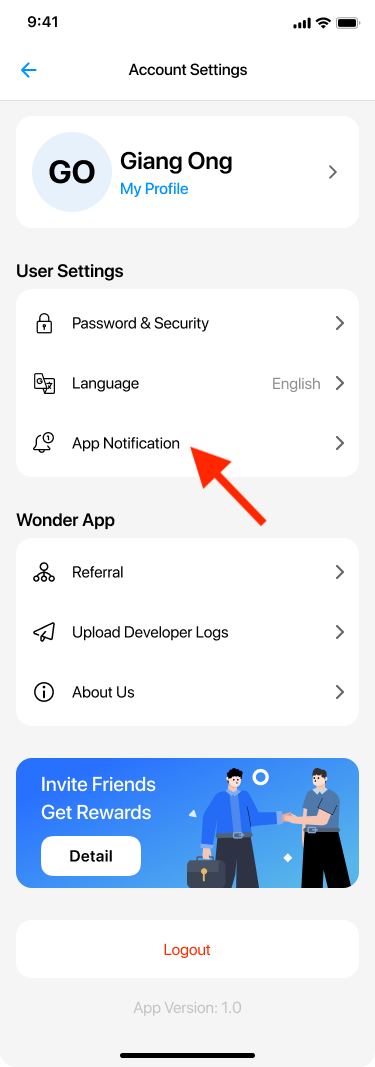
- Go to Account Settings Page and click App Notification.
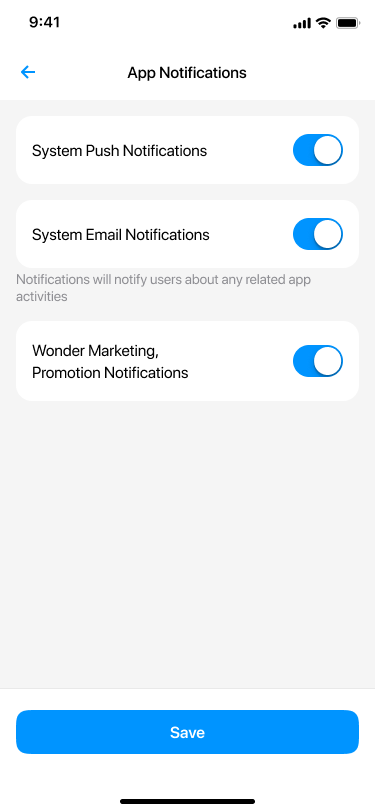
- Inside the “App Notifications” section, you will see two toggle switches. The switches are blue, which means push notifications are currently on and you are able to receive updates from our app.
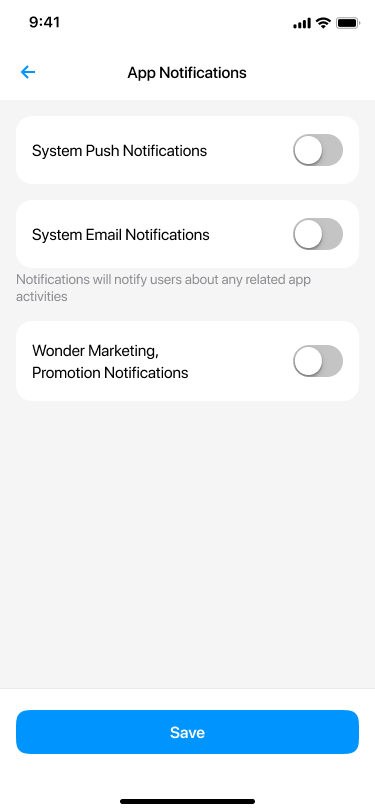
- You can also tap the buttons to make them grey and click Save .
.png)
- Once the switch is gray, you will no longer receive push notifications from our app.
Did this answer your question?
If you still need help, our merchant support team is one message away.
Chat on WhatsApp