
How to Activate the ECR Terminal Device?
Set Up Wonder Smart TerminalWonder Mobile App 1 min read Created October 9, 2026 Updated October 9, 2026
- Open and log in to the Wonder App, and switch to the relevant business.
- Start the ECR terminal device, a QR code associated with the business will be presented on the device's screen.
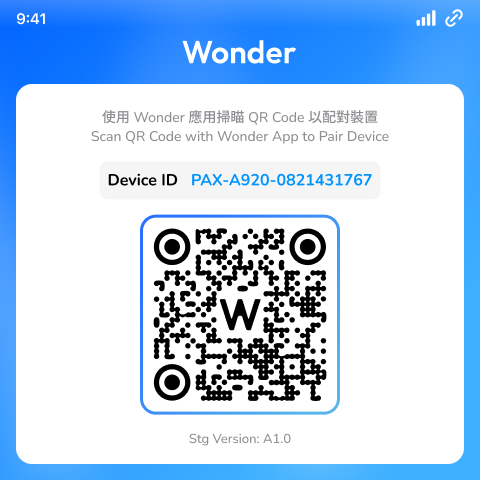
- Bind the ECR terminal device with the business using the Wonder App's barcode scanner.
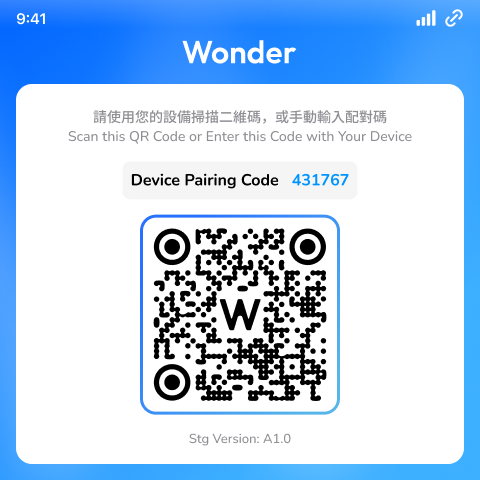
- Once the binding is successful, the device application will automatically redirect you to the device pairing page.
Did this answer your question?
If you still need help, our merchant support team is one message away.
Chat on WhatsApp