
Collect Pre-authorization with Wonder Terminal
Accept Payment with Wonder Smart POSWonder mPOS 2 min read Created January 16, 2025 Updated September 30, 2026
Make Pre-authorization Payment
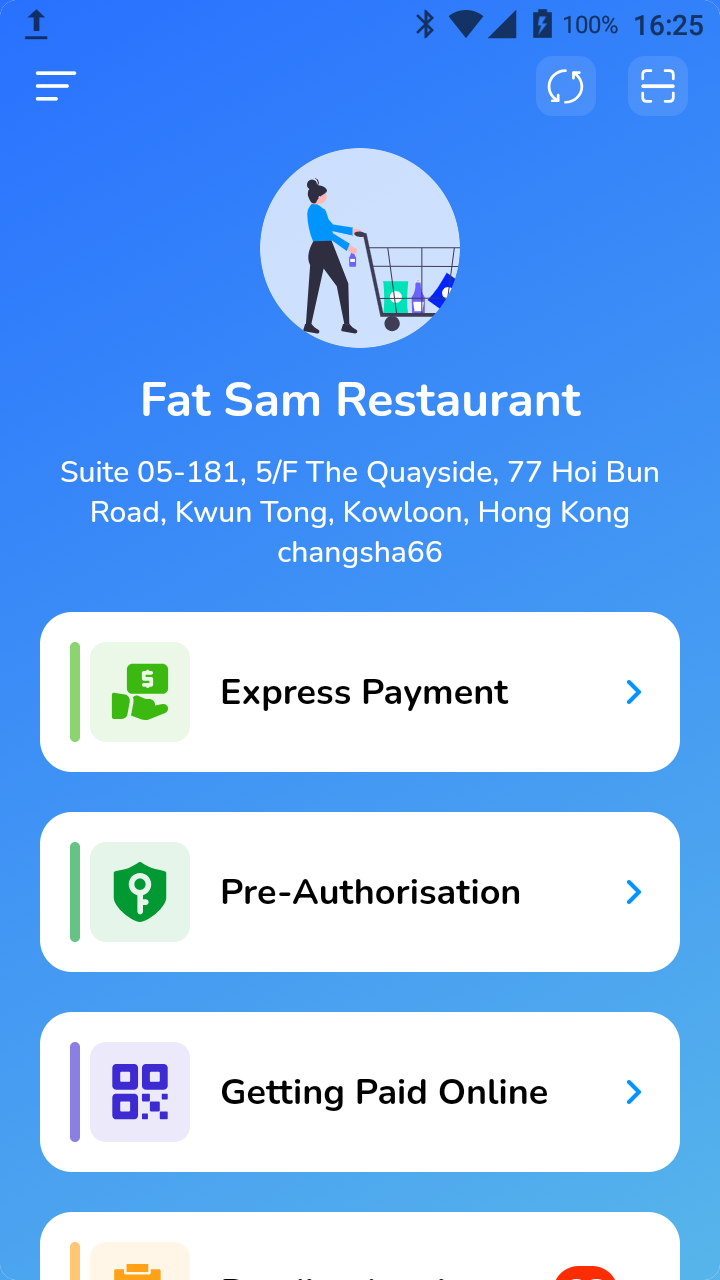
- Once you are in the store, click on [Pre-Authorizaton].
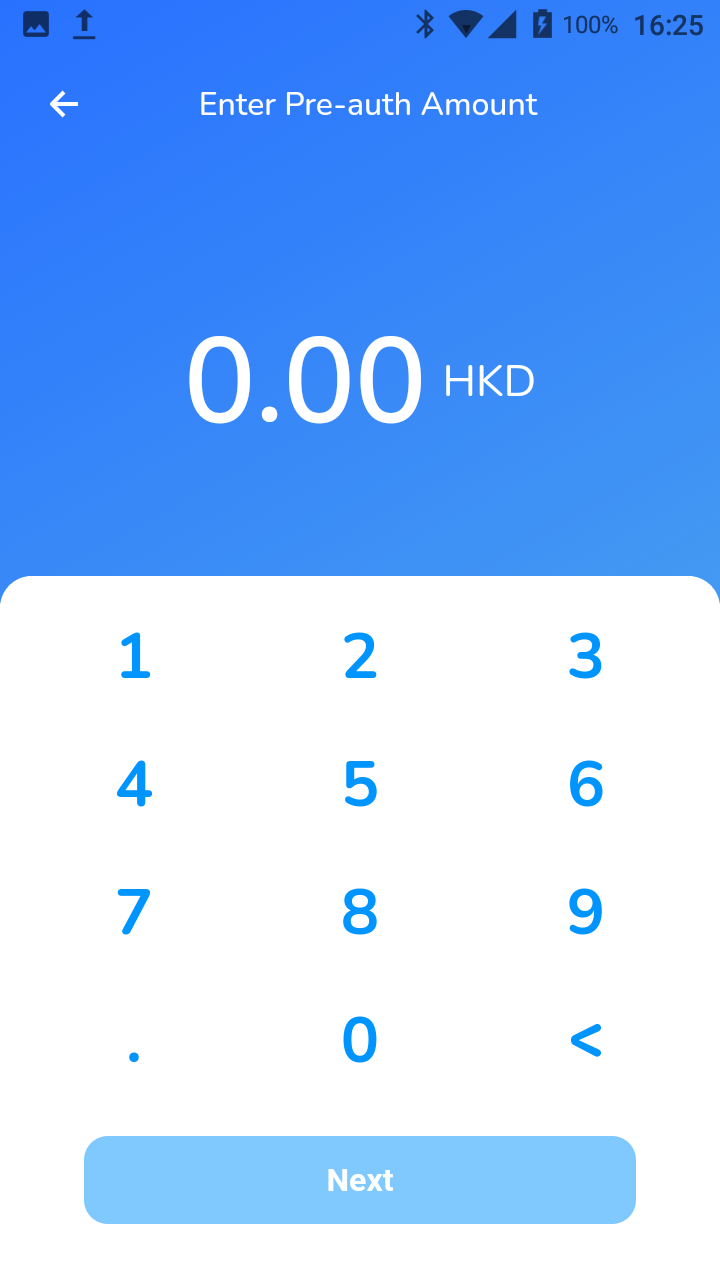
- Enter amount to hold and click [Next].
- Tap / insert / swipe card.
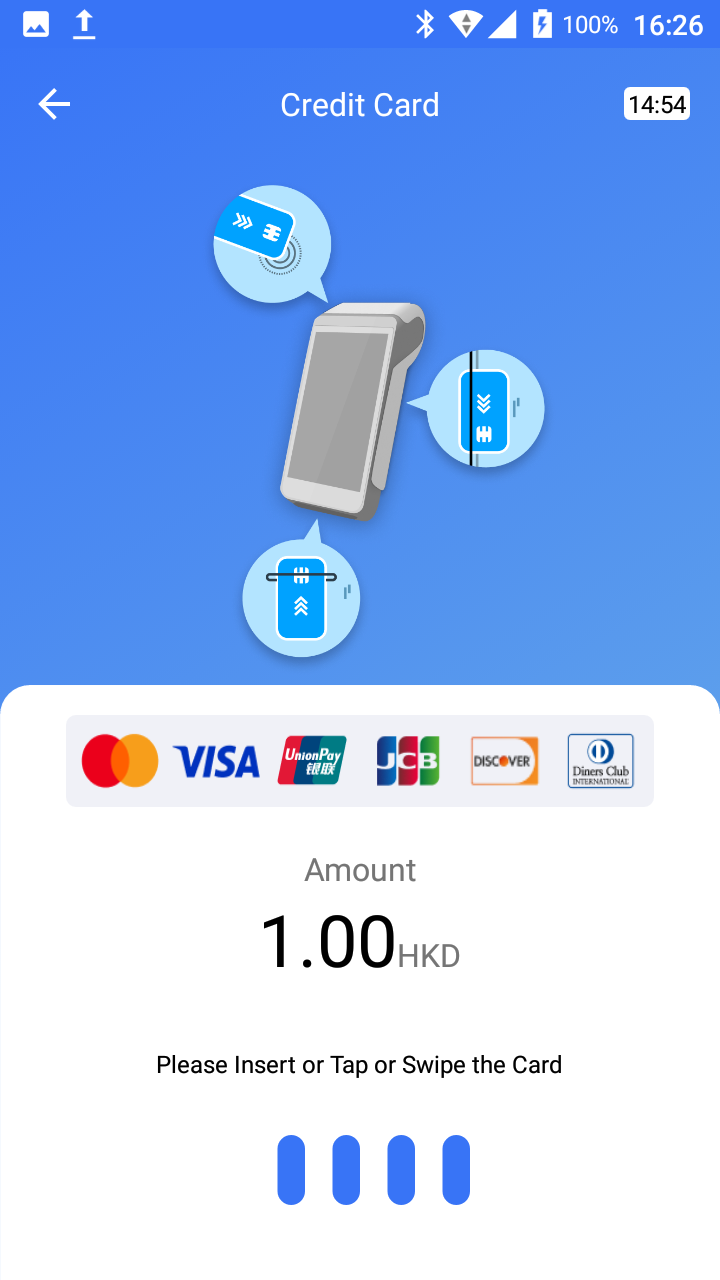
A receipt will be printed automatically if this setting is enabled.
Capturing the Transaction
- Click on [Transactions].
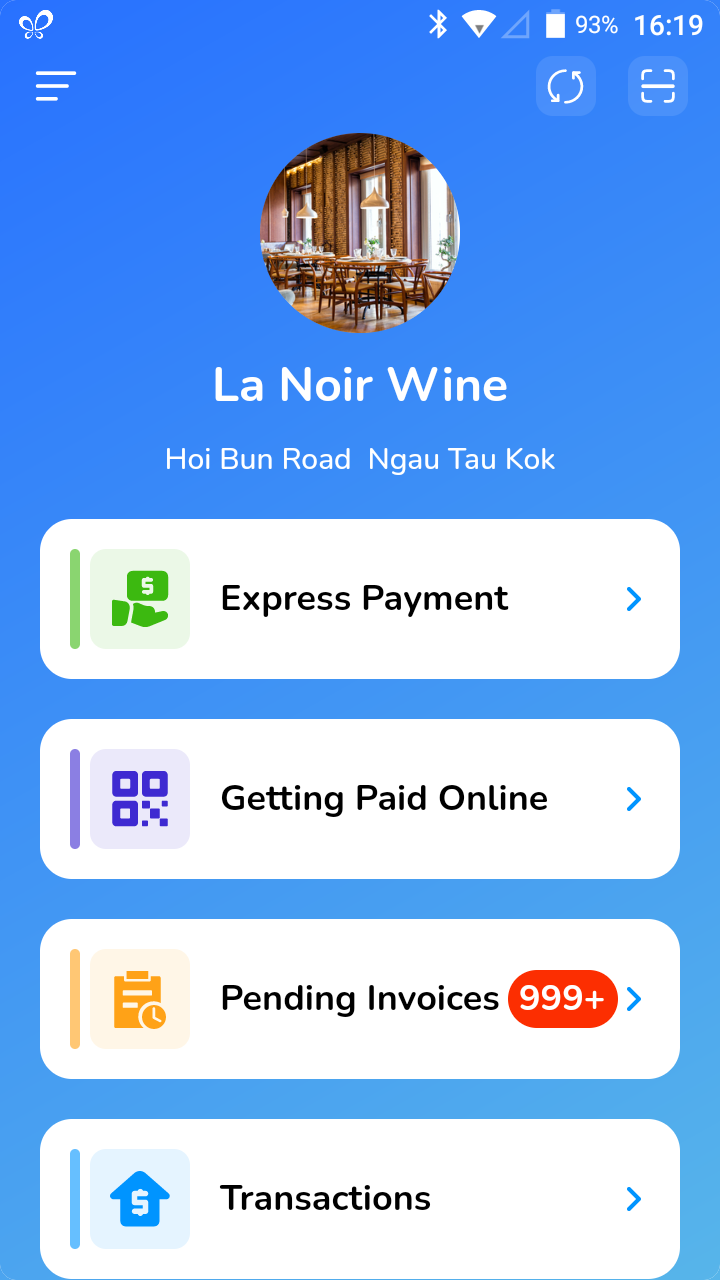
- Click on a transaction you would like to view.
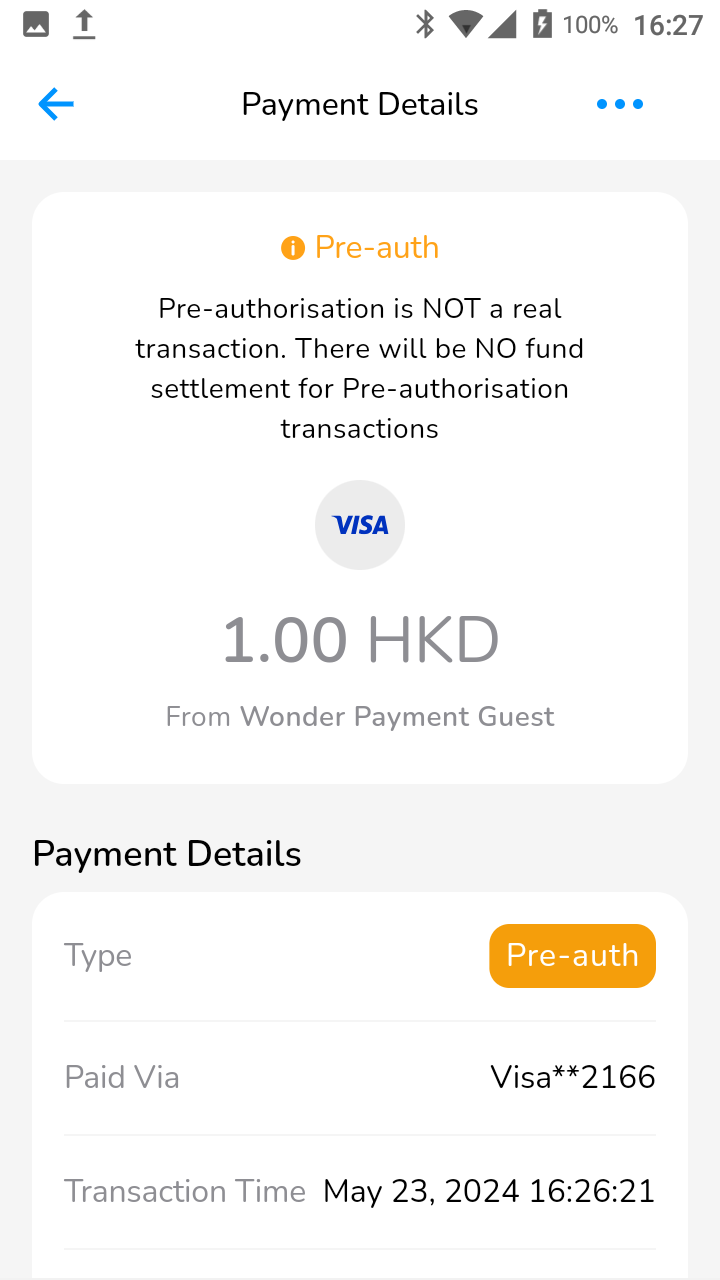
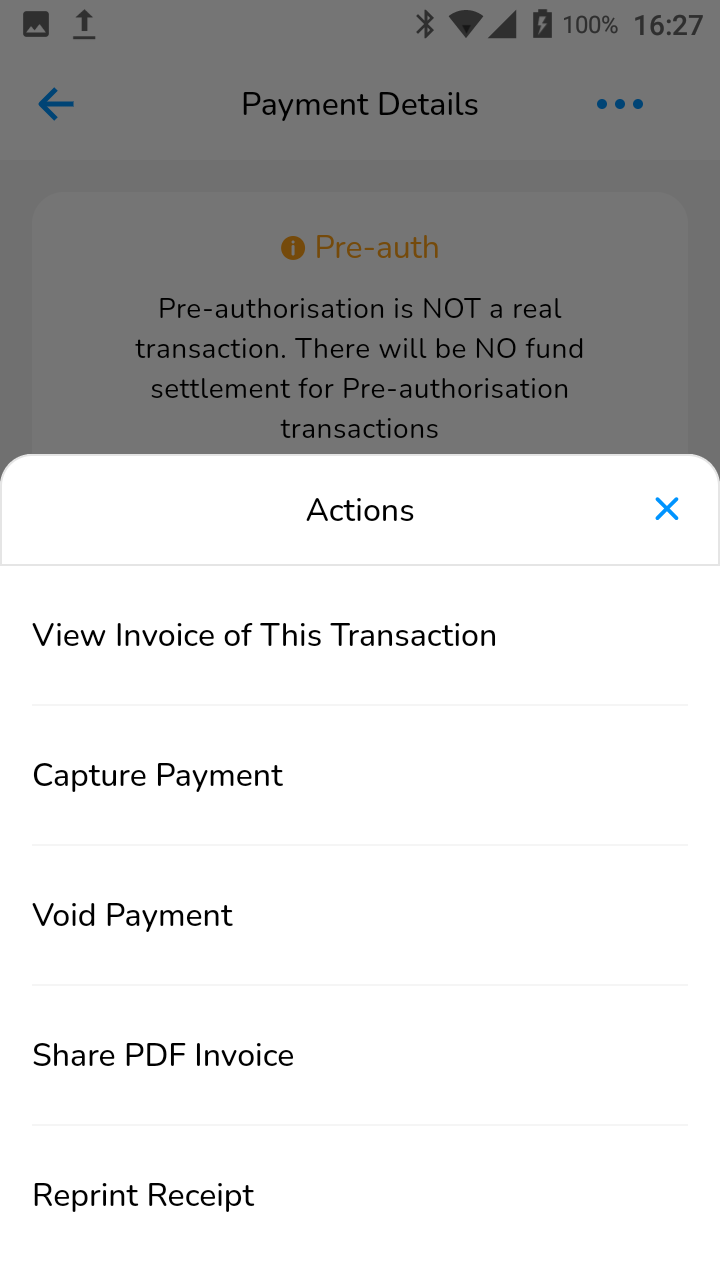
- By clicking on the three dots, choose "Capture Payment".
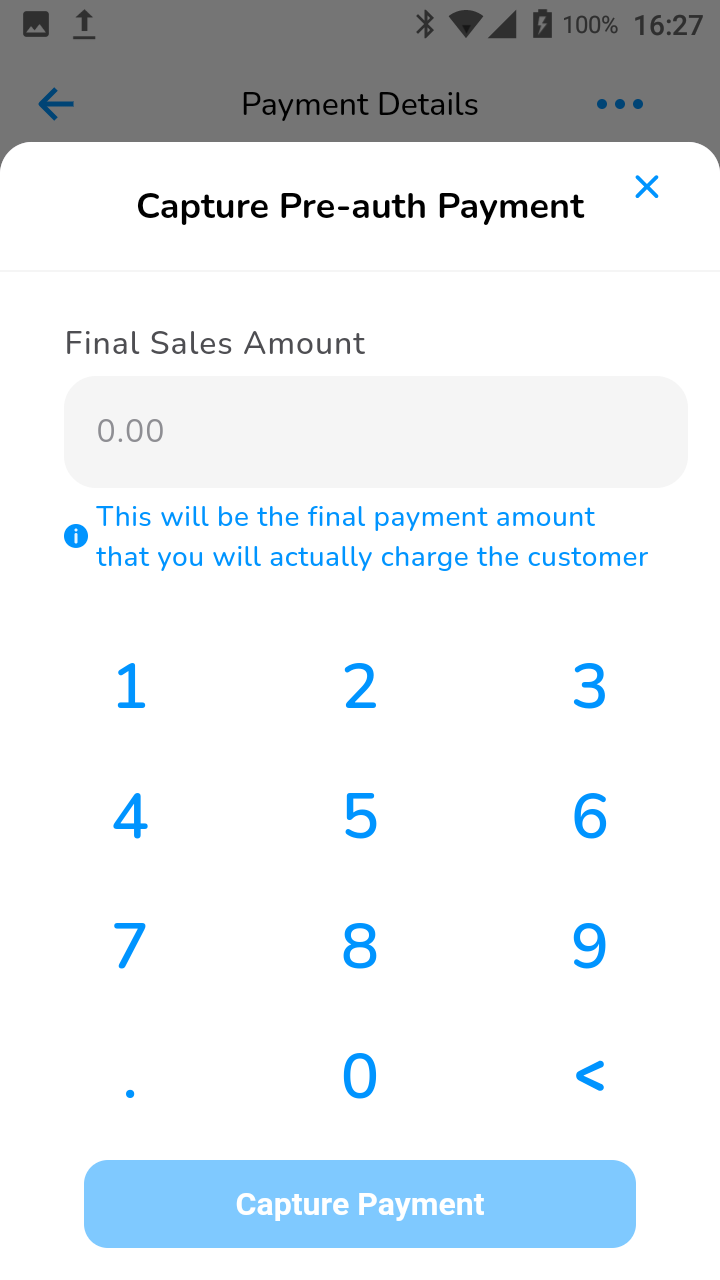
- Enter the amount you would like to capture the customer for this transaction
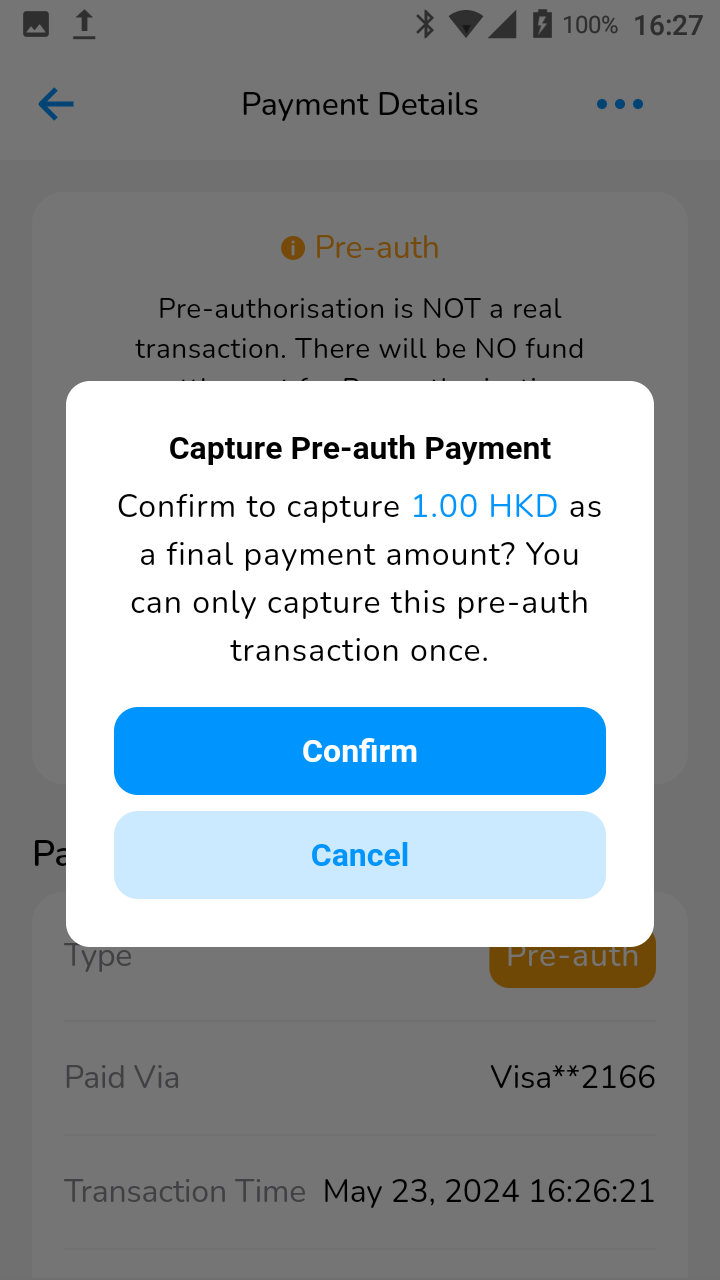
- Confirm the final amount to proceed, please understand that you can only capture this transaction once
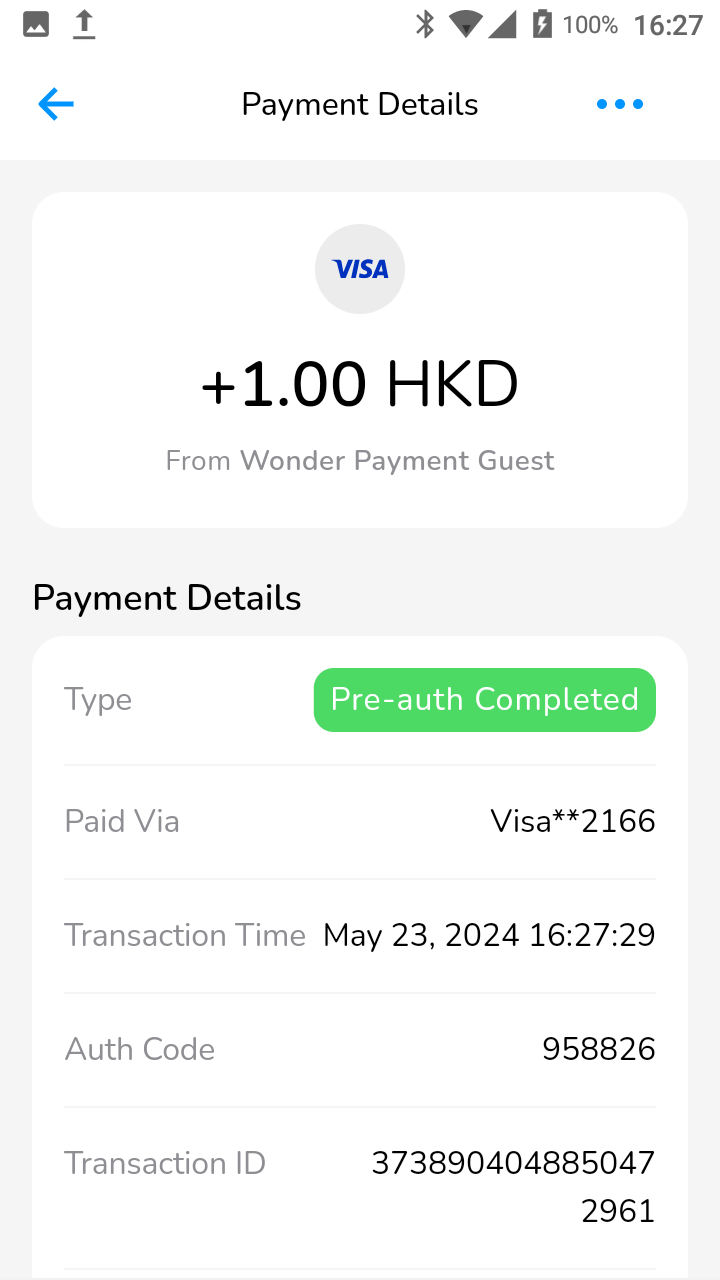
- The transaction would update "Pre-auth Completed" as its payment type instead. You have now collected the payment. You can void/refund the transaction just as a sales payment.
Did this answer your question?
If you still need help, our merchant support team is one message away.
Chat on WhatsApp