
Check and Update Wonder to the latest Version
Set Up Wonder Smart TerminalAccept Payment with Wonder Smart POSWonder mPOS 1 min read Created January 9, 2024 Updated September 30, 2026
Update Wonder App
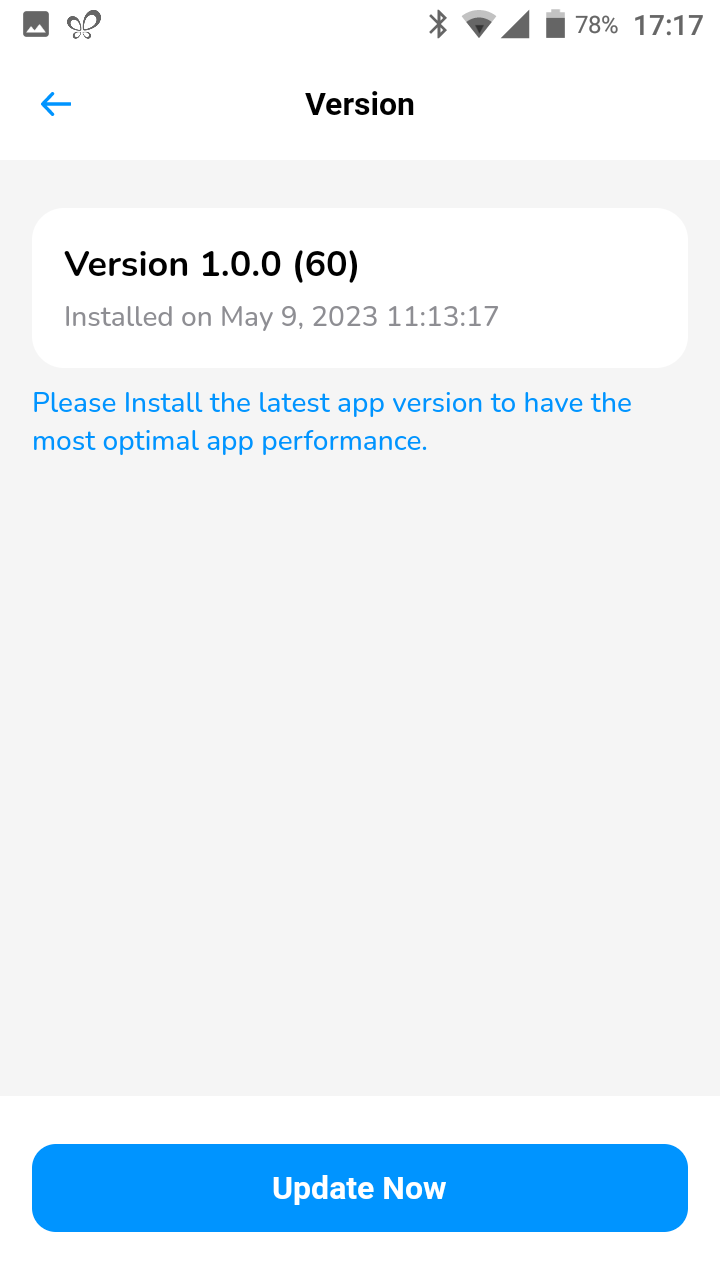
- Click on the side menu bar on the top left corner and choose [Version].
- You will be able to see current version you are on. If there is a new update, a [Update Now] button will appear.
Did this answer your question?
If you still need help, our merchant support team is one message away.
Chat on WhatsApp