
Change Language in Wonder Terminal
Accept Payment with Wonder Smart POSSet Up Wonder Smart TerminalWonder mPOS 1 min read Created January 9, 2024 Updated September 30, 2026
Language
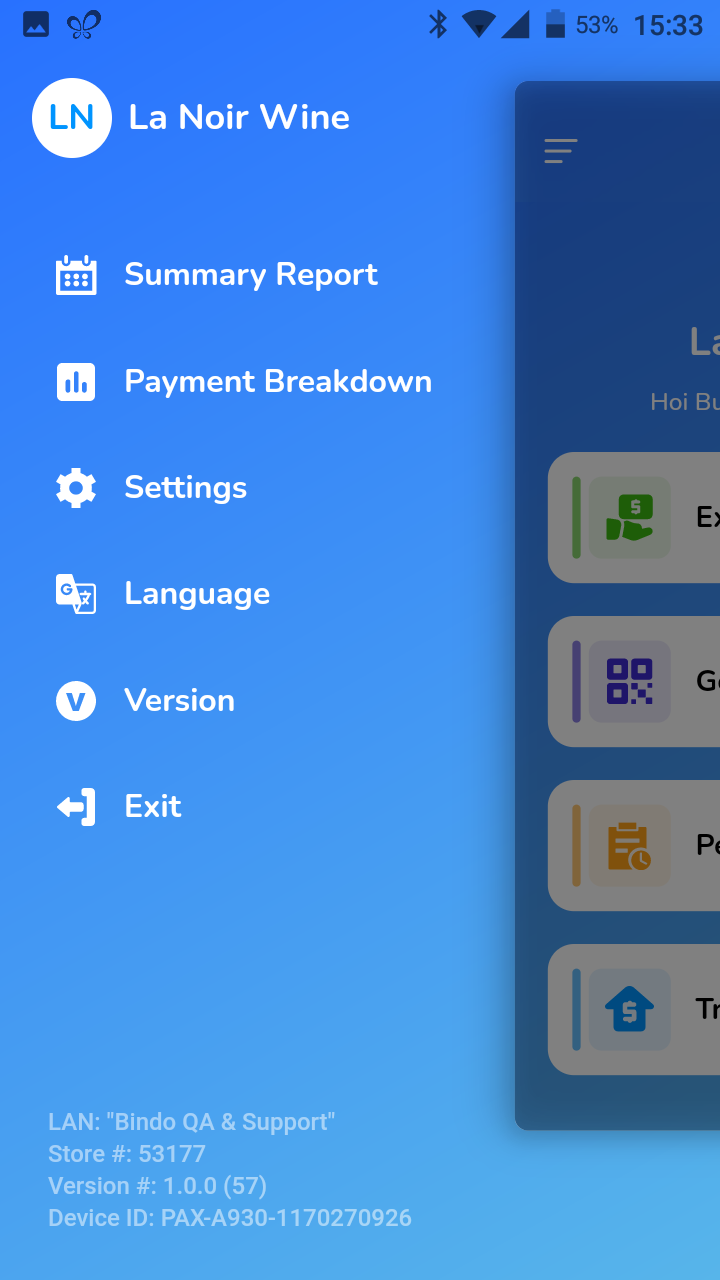
- Click on the side menu bar on the top left corner and choose [Language].
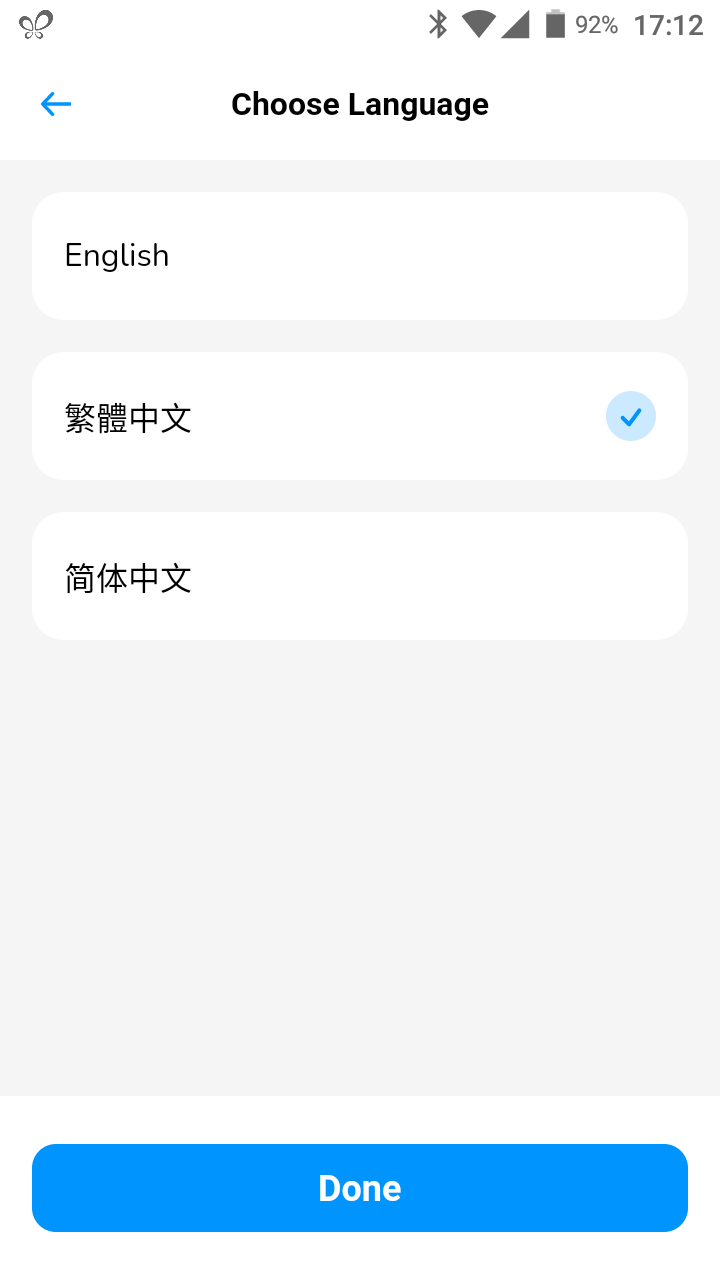
- Choose your preferred language and click [Done].
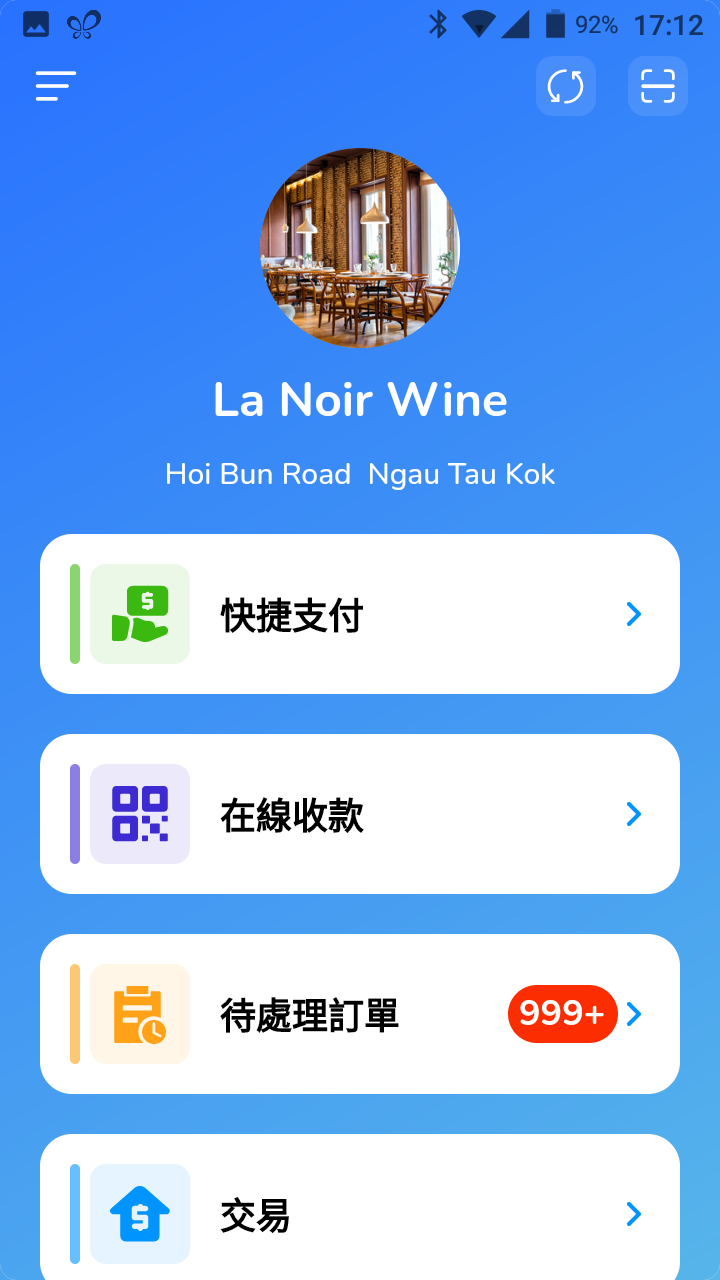
- Your app should be automatically updated with the new chosen language.
Did this answer your question?
If you still need help, our merchant support team is one message away.
Chat on WhatsApp